A certificate is only worth something if the person reading it can be sure it is real. For an inspection or compliance company, that trust is the product. Yet most certificates still travel as paper or a PDF, and the only check a customer or authority can do is look at it and hope. A decent scanner and a free afternoon are enough to change a date, a name or a result.
The short answer
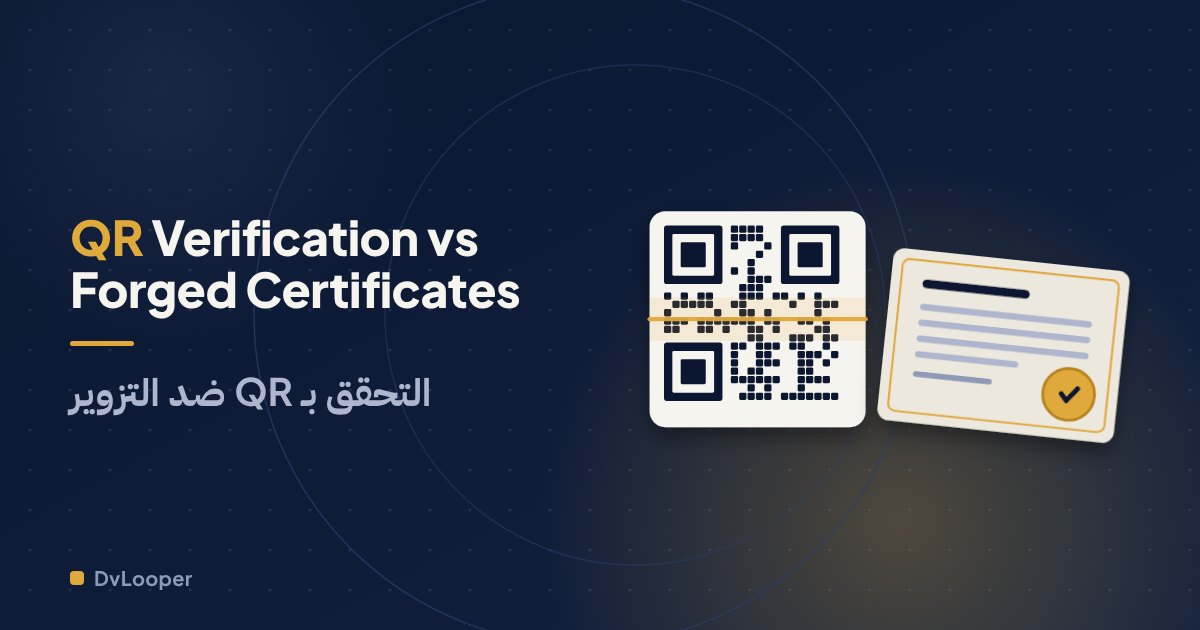
QR code certificate verification stops forgery by moving the proof out of the document and into your database. Each certificate carries a unique code, scanning it opens the original record you hold, and a forged or altered copy simply matches nothing. The paper can be copied. The record it points to cannot.
Issue certificates that people have to trust? Tell us what you issue and who checks it, and we will tell you how a verification setup would look for your case. Message us on WhatsApp
Why do forged certificates work so easily?
Because verification has traditionally depended on appearance. A logo, a stamp, a signature, a layout. All of these can be reproduced. When someone receives a certificate from a supplier they have never met, they have no practical way to phone the issuing company and ask whether number 4471 is genuine. So they accept it, or they do not, based on a feeling.
Forgery usually takes one of three forms. A completely invented certificate, a real certificate with details altered (a date extended, a scope widened), or a real certificate re-used for goods or services it was never issued for. A good verification system has to resist all three.
How does QR verification actually work?
The idea is simple, and the strength is in the details.
When the issuing company finishes an inspection, an admin enters the certificate's data into a dashboard. The system generates a unique QR code for that certificate. The code is printed on the paper copy and embedded in the digital copy. The original certificate is uploaded and linked to the code.
Later, anyone with a phone scans the QR code. It opens a page on the issuer's own website that shows the original certificate on file. If the paper in your hand matches what the page shows, it is genuine. If someone altered the paper, or built a fake from scratch, there is nothing on file that matches. The scan shows no data, which is itself the answer.
That is the system we built for inspection companies in Libya. You can read the full case in the QR Certificate Verification System project.
Want to see how the flow feels in practice? Ask us for a walk-through of the scan, the verification page and the admin side. Ask on WhatsApp
What the scan shows for each kind of forgery
| Type of forgery | What the forger does | What the scan shows |
|---|---|---|
| Invented certificate | Prints a certificate that was never issued | Nothing on file, so the scan shows no data |
| Altered real certificate | Changes a date or widens a scope on a real one | The page shows the original, so the difference is visible next to the paper |
| Re-used real certificate | Uses a real certificate for goods or services it was never issued for | The page shows the original details, so the mismatch can be spotted |
What makes a verification system trustworthy?
A QR code on its own proves nothing. Anyone can print a QR code. What makes the system trustworthy is everything behind it. Seven points are worth checking, and we group them below by what they protect.
The code must not be guessable
If certificates are numbered 1001, 1002, 1003 and the QR code just contains the number, a forger can try neighbouring numbers. Codes should be unique and unpredictable, so that knowing one tells you nothing about another.
The page must live on a domain people trust
The scan must open the issuer's real website, over HTTPS. Teach your customers to glance at the address that appears after scanning. A forger can print a QR code pointing to a lookalike site that shows a fake "verified" page. This is the most overlooked weakness in QR schemes, and the fix is mostly education plus a verification page that is clearly branded and consistent.
The page must show the original, not just a green tick
A page that only says "valid" is easy to imitate. A page that shows the original certificate, with its details, lets the reader compare it with the paper in their hands. That comparison is what catches an altered date on a genuine QR code.
Status must be changeable
Certificates expire, get suspended or get withdrawn. The record should be able to show that, so an old but once-genuine certificate does not pass forever. Keep this in mind when you plan the data fields.
Only the right staff can issue or edit
The weakest link in any verification system is the people who can add records. Our system has two roles, Admin and Manager, and permissions can be customised per client, for example restricting who can delete or edit. If anyone can create certificates, the QR code is decoration.
Changes should leave a trail
When a record is edited or removed, the system should remember who did it and when. This protects the company against internal mistakes as much as against fraud. It connects directly to access control, which we cover in Laravel security basics for business owners.
Printing must be practical
A QR code that is too small, too low contrast or printed on glossy paper that reflects light will frustrate the people you want to convince. Test scanning from printed copies and from screens, on older phones too.
The seven checks in one table
| Check | What good looks like |
|---|---|
| Code | Unique and unpredictable, so knowing one tells you nothing about another |
| Page address | Opens the issuer's real website over HTTPS, and customers learn to glance at it |
| Page content | Shows the original certificate, not just a green tick |
| Status | Can show expired, suspended or withdrawn |
| Who can issue | Only the right staff, with Admin and Manager roles and permissions per client |
| Changes | Who changed or removed a record, and when, is remembered |
| Printing | Large enough, good contrast, tested from paper and screens on older phones |
Is a QR code enough to stop all forgery?
No, and anyone who tells you so is overselling. A determined forger can take a genuine QR code from a real certificate and print it on a fake document with different details. The defence is the second half of the process: the verification page shows the original, and the person checking compares the two. QR verification does not remove the need for human attention. It removes the guesswork, and it gives the attention something solid to check against.
For most inspection and compliance businesses that is a very large improvement. A forged paper that used to pass because nobody could check now fails the moment somebody scans it.
How do you roll it out without confusing customers?
The technology is the easy half. The harder half is getting people to scan. Put a short line next to the code on every certificate, such as "Scan to verify this certificate", so nobody has to guess what the square is for. Add a verification note to your website and to the emails that carry certificates. Tell auditors and procurement teams once, clearly, that this is now the official way to check. After a few months, a certificate without a working code starts to look suspicious by itself, and that shift in habit is where most of the protection comes from.
Who benefits most from QR verification
Any business whose paper carries trust is a candidate:
- Inspection and compliance companies, where a certificate decides whether goods or sites are accepted.
- Training centres and academies, where a completion certificate is shown to employers.
- Suppliers and manufacturers who send quality or origin documents to buyers they have never met.
- Product warranty and authenticity cards, where the customer needs to know the warranty is real.
If your documents are checked by people who cannot phone you to ask, a verification page does that job for you, at any hour.
What we need from you to start
Four things are enough for a first conversation: the types of certificates you issue, the fields each one carries, who in your team issues or approves them, and roughly how many you issue per month. If you also have older certificates you want to keep verifiable, bring a few samples.
Have those four answers? Send them in one message and we reply with a clear first plan. Send them on WhatsApp
What does it take to build?
The core pieces are not exotic: a dashboard for entering certificate data, storage for the original files, a generator for unique codes, a public verification page, and role-based permissions. What takes thought is the part around the code: what fields the record should hold, how certificates are renewed or withdrawn, how many staff will issue them, and how customers will be taught to verify.
Because every company issues different kinds of certificates, we shape the fields and permissions around your documents rather than forcing them into a template. It is a good example of the kind of work described in our guide on when you need a custom admin system. If you want to know how projects like this run, the custom admin systems service page is the place to begin.
Frequently asked questions
Can someone copy the QR code from a real certificate?
Yes, a QR code can be photographed and printed. That is why the verification page must show the original certificate details. A copied code attached to different details will not match what the page displays, and the person checking will see the difference.
Do customers need to install an app to scan?
No. Modern phone cameras read QR codes directly and open the link in the browser. Nothing needs to be installed.
What happens to old certificates when we switch to this system?
You can enter existing certificates into the dashboard and attach their originals, so older documents can be verified too. Most companies start with active certificates and add older ones gradually.
We issue several types of certificates. Can one system cover them all?
In most cases yes. Each type gets its own fields and layout, while all of them share the same codes and the same verification page. We would map your types in the first conversation. Tell us your types on WhatsApp.
Next step
If you issue certificates and want to make forgery pointless, describe your documents and who checks them. We will tell you how a QR verification setup would look for your case. Reach us through the contact page.
Ready to make forgery pointless? Describe your documents and who checks them. We reply with a straight answer and a first sketch of the verification page. Start the conversation on WhatsApp