Building an Arabic and English Website That Ranks in Both
By Abdulla Galaby, · 7 min read
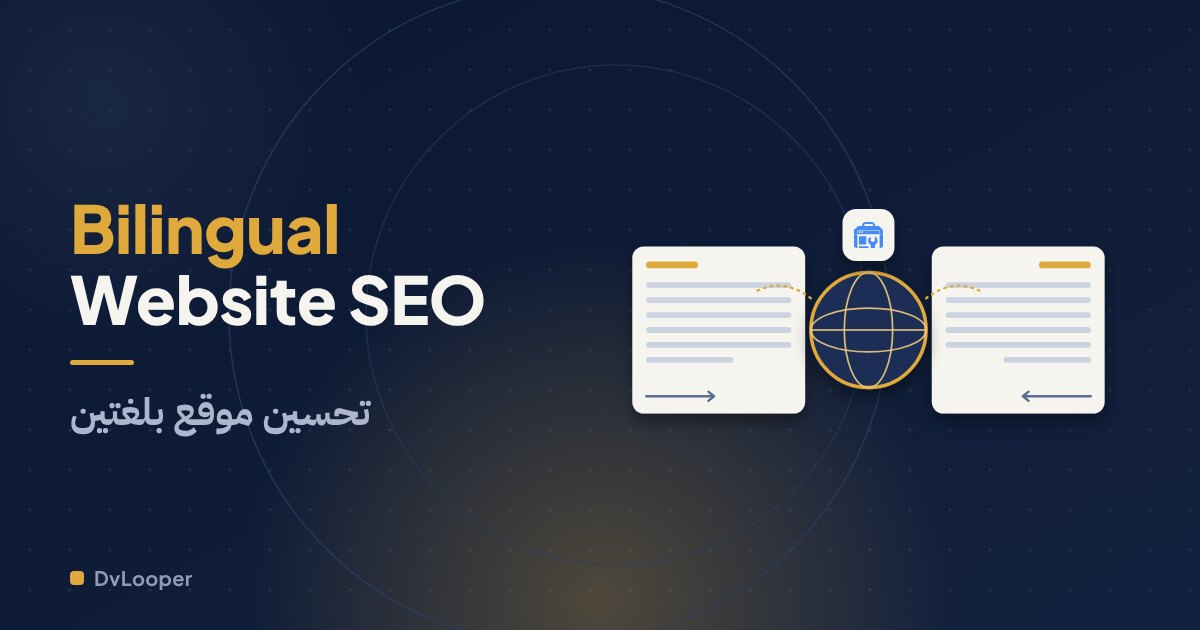
A flag icon in the corner isn't a bilingual website. If the Arabic version only exists after a visitor clicks a button and a script rewrites the text in their browser, Google has no Arabic page to rank, and an Arabic speaker searching for you has nothing to land on.
Short answer: To build an Arabic and English website that ranks in both languages, give each language its own real URL, write the Arabic natively instead of machine translating it, connect the two versions with hreflang annotations, and mark every page with the right language and text direction. Then treat Arabic keyword research as its own job, because people search in Arabic differently than they do in English. Most of the work is structure and honesty, not tricks.
Why doesn't a language switcher make a site bilingual?
A switcher is only navigation. What matters is what sits behind it. For a search engine, a page is a URL with content. If switching language swaps the text on the same URL using JavaScript or a cookie, crawlers see one URL in one language. Browser translation widgets are worse, because the translated text is created in the visitor's browser and never exists on your server.
There's a quick test. Open your Arabic page, copy its address and paste it into a private window. If you land on the Arabic page, it has its own URL. If you land on English, it doesn't.
Which URL structure should you use?
You have three realistic options, and for most businesses one of them is clearly better.
A subfolder on the main domain, such as yourdomain.com/ar/services, keeps everything together. Links and authority gather on one domain, you maintain one certificate and one analytics setup, and the twin of any page is easy to predict. This is our default recommendation.
A subdomain, such as ar.yourdomain.com, works, but it's usually treated more like a separate site and asks for more effort to build up. A separate domain per country, such as a .eg and a .sa, makes sense only when you run genuinely separate operations there with different offers, and each domain starts from zero.
Avoid URL parameters like ?lang=ar. They're easy to mishandle, and crawlers may treat them as duplicates of the main page.
Whatever you pick, keep the structure identical across the site. /services/ecommerce and /ar/services/ecommerce should be twins. It makes linking the pair trivial and saves your team from mistakes.
What is hreflang, and how do you get it right?
hreflang is a set of annotations that tells search engines "this page has a twin in another language, and here it is." It doesn't boost your rankings. It helps the right version reach the right searcher and stops your two versions from competing with each other.
The rules are short, and most errors come from breaking one of them:
- Every page lists itself and each of its alternates.
- The links must be reciprocal. If English points to Arabic, Arabic must point back to English. Annotations without a return link are ignored, and it's the most common mistake.
- Use full, final URLs, never ones that redirect.
- Use plain language codes, "en" and "ar". Add a region such as ar-EG only when the versions really differ by country.
- Add an x-default entry pointing to the page you'd show anyone else, usually the English version or a language chooser.
- Put the annotations in the page head or in the XML sitemap. Pick one method so they can't contradict each other.
Two cautions. List only pages that exist and are genuinely translated. And keep each version's canonical tag pointing to itself. If the Arabic page's canonical points at the English one, you've told Google to ignore the Arabic page. Our pre-launch SEO checklist includes this check in its final pass.
Should you translate the Arabic version or write it?
Write it. This is where a site that ranks separates from one that merely exists.
A literal translation gives you Arabic sentences nobody types into a search box. People search with their own words. An Egyptian looking for a website might type "موقع" one day and "سايت" the next, and many queries mix languages, with brand and tool names such as Shopify or WordPress dropped into Arabic phrases. Spelling varies as well, with dialect words and different habits around hamza and ta marbuta.
So run Arabic research on its own terms. Read the Arabic queries in Search Console once you have data, look at Google's Arabic autocomplete suggestions, and ask real customers what they call your service. Then write natural sentences around those words.
Machine-translated pages published without review carry a risk too. Google's guidelines warn against automatically generated content with little human oversight, and readers spot it within a paragraph. A translation tool can produce a first draft. A native reader should rewrite and approve it.
Small consistency choices matter. Decide whether you use Western digits (0 to 9) or Arabic-Indic digits, then stay consistent, and remember that many people type Western digits when they search.
What changes in the design for right-to-left?
Direction is set in the HTML, with lang="ar" and dir="rtl" on the page. After that, the details decide whether the Arabic version feels native or merely flipped:
- Layouts mirror. Navigation starts on the right, and icons that imply direction, such as arrows, back buttons and progress bars, flip.
- Use CSS logical properties like margin-inline-start instead of margin-left, so one stylesheet serves both directions.
- Phone numbers, emails, URLs and brand names inside an Arabic sentence are left-to-right and can scramble punctuation. Mark them up with the right direction.
- Forms need Arabic labels, placeholders and error messages, while an email field should still type left-to-right.
- Pick an Arabic font with proper weights, check it at small sizes on a mid-range phone, and give it more line height than Latin text usually needs.
What about titles, sitemaps and structured data?
Everything that belongs to a page needs its own language version: title, meta description, headings, image alt text and the text inside structured data. Declare the language in the markup too.
The XML sitemap should list both URLs for each page together with their alternates, so crawlers discover the pairing even if a page-level annotation gets missed.
One rule we apply on dvlooper.com: an Arabic page is only indexable once all of its content is genuinely Arabic. An Arabic URL that shows English text because the translation isn't finished is just a duplicate of the English page with weaker signals. Until a page is ready, leave its Arabic twin out of the sitemap and the hreflang set, or mark it noindex.
How do you measure each language separately?
In Search Console, filter the Performance report to pages whose URL contains /ar/ and compare by country and device. In your analytics, build a segment by language or path, and track conversions such as form submissions and WhatsApp taps for each language.
Clicks, impressions and inquiries per language answer the question that matters: is the Arabic version earning its place? If it isn't, the fix is usually content depth and better wording, not another technical trick.
Frequently asked questions
Do I need a separate domain for the Arabic version?
No. For most businesses a /ar subfolder on the same domain is simpler and keeps authority in one place. A separate country domain only makes sense when you run separate operations in each country.
Will Google treat my Arabic and English pages as duplicate content?
Not when they're real translations on separate URLs connected with hreflang. They're different languages, and hreflang tells Google they're alternates of each other. Duplication problems appear when the Arabic URL still shows English text.
Should I redirect visitors automatically based on their browser language?
Avoid forced redirects. Googlebot generally crawls without language preferences and mostly from US addresses, so an automatic redirect can hide a version from it. Offer a visible language switch or a gentle banner suggestion, and remember the visitor's choice.
Getting the structure right from day one
Retrofitting a second language into a site that wasn't built for it is slow and error-prone. Our web development projects start with Arabic and English URLs, right-to-left layouts and hreflang in place, because adding them later costs more than building them in. If you're planning a bilingual site, tell us about the project.
Related posts
What Website Maintenance Actually Involves
A contact form can fail for months without anyone noticing. Here is the weekly, monthly and quarterly checklist that keeps a business website secure, backed up and working.
Checkout Mistakes That Quietly Lose You Orders
Checkout problems never send an error, they just look like a quiet day. Here are the fixable mistakes behind most abandoned orders and how to audit yours in an afternoon.
How a Website Project Runs, From First Call to Launch
Most delays happen in the gaps, not in the code. The four stages of a well-run website project, what each one needs from you, and what to expect at launch.